

♛ Features
Everything Queens Court does
Grouped the way the app's menu is, so you'll recognize it the day you open it. Every item here is in the app today.
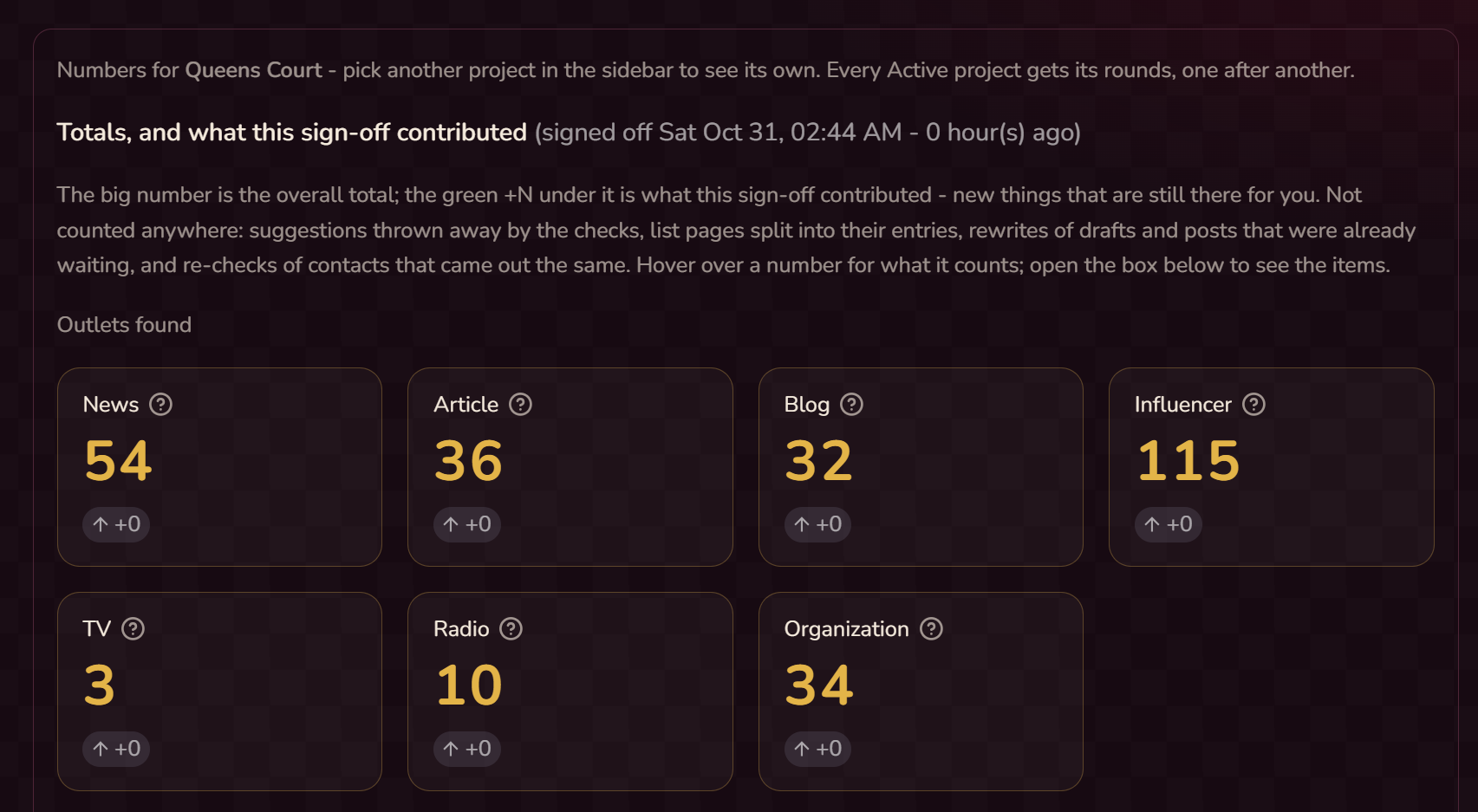
Daily
One place to start your day.
- Today: one checklist for the day
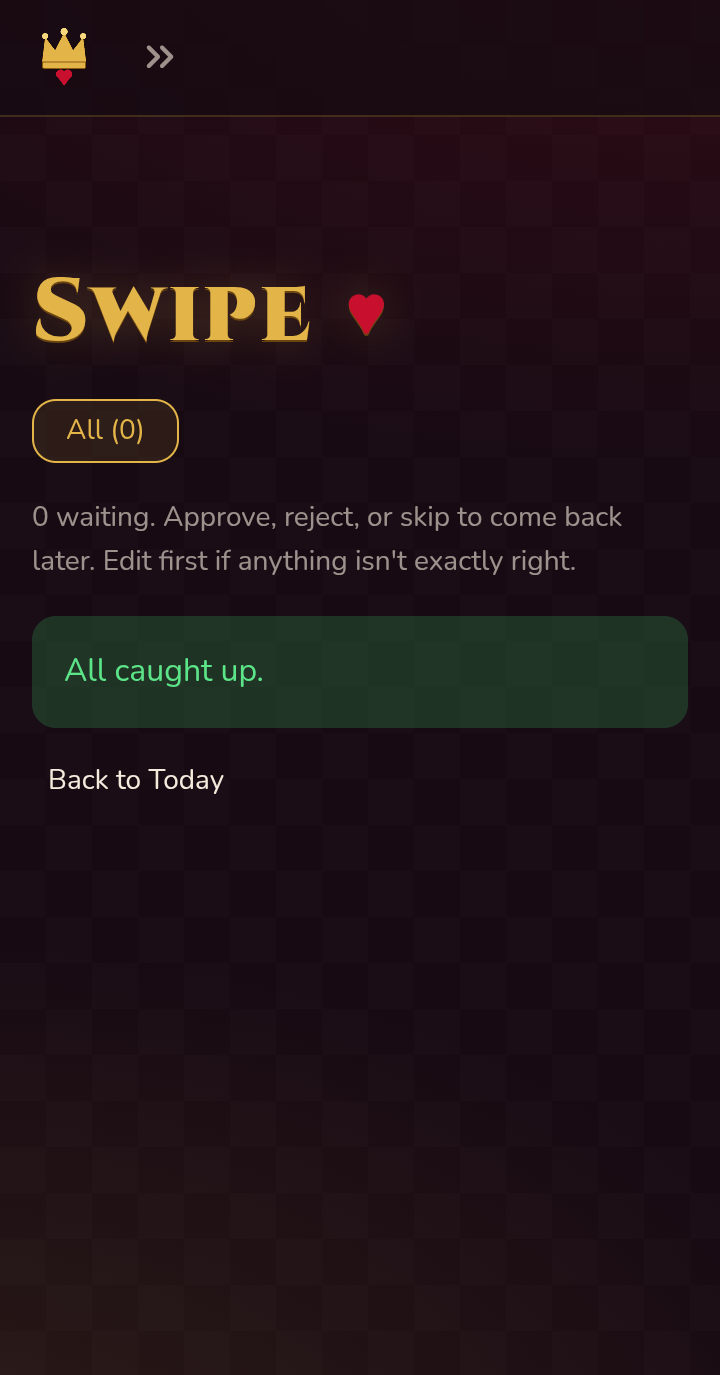
- Swipe: one item at a time, on your PC or phone: approve, edit, reject or skip. Every decision teaches the writer your taste
- Approved: everything you said yes to
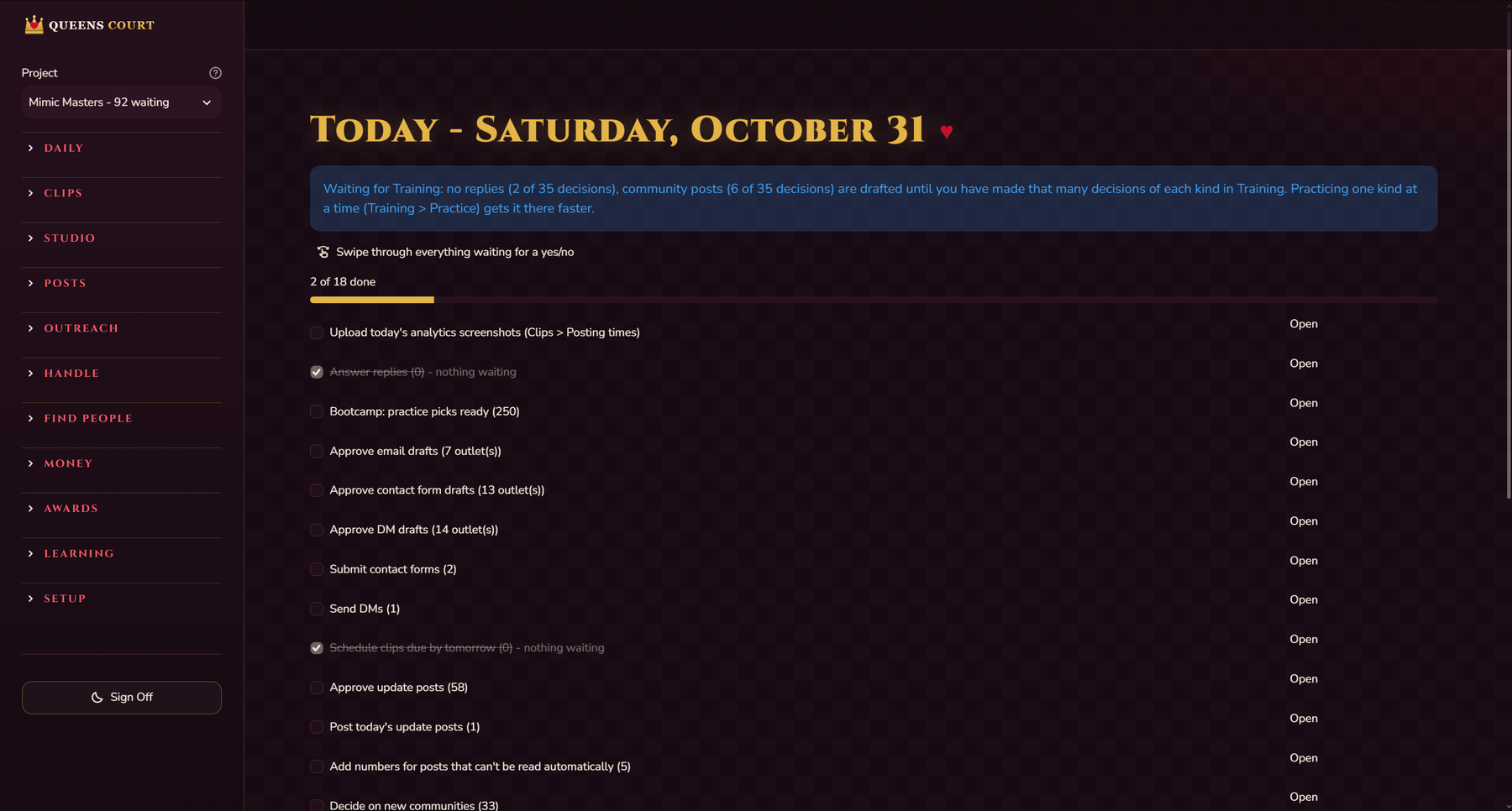
Outreach
The people who should hear about your work, and every message to them.
- Finds press, creators, blogs, podcasts, organizations and communities
- Pitches, follow-ups and replies in your voice, ending with a short, human sign-off
- Handle Emails, Forms, DMs, Calls and Texts
- Replies that answer questions; when it can't answer, it saves the question for you and remembers your answer (QnA Memory)
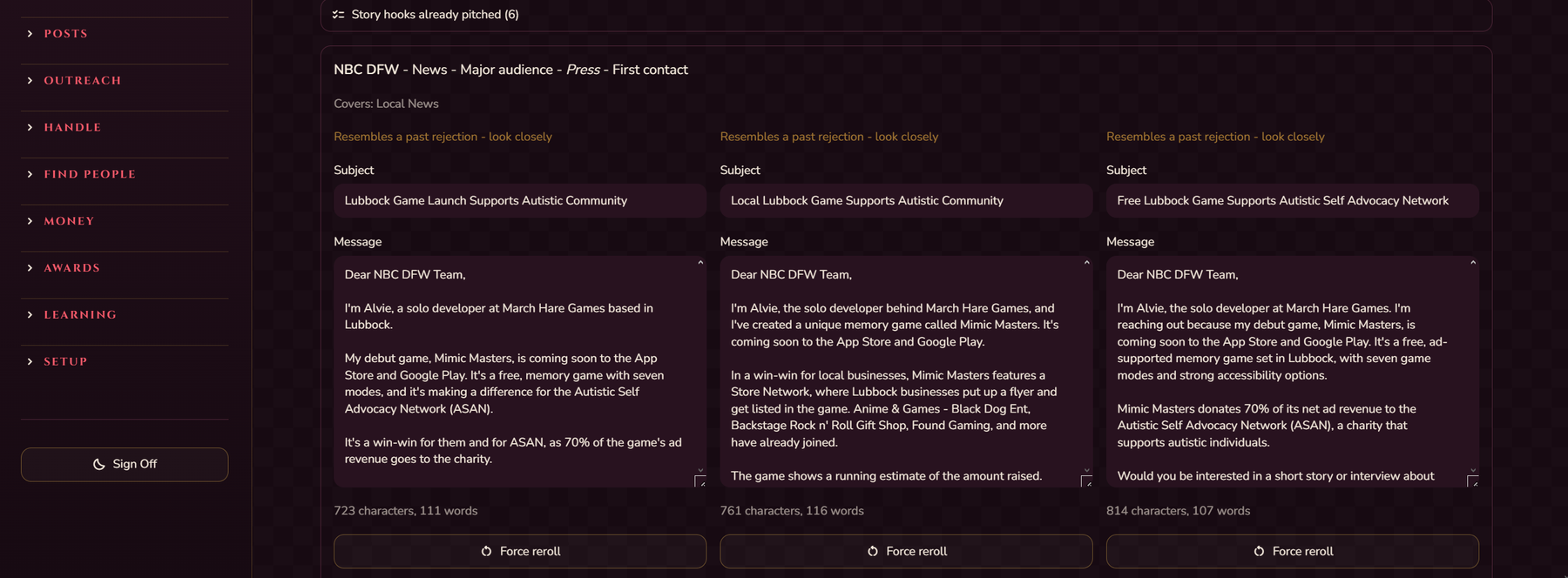
Find people and Awards
- Outreach Locator and Social Avenues
- Coverage: finds coverage of you online
- Grants (money) and Awards (recognition): found, broken down, answers drafted
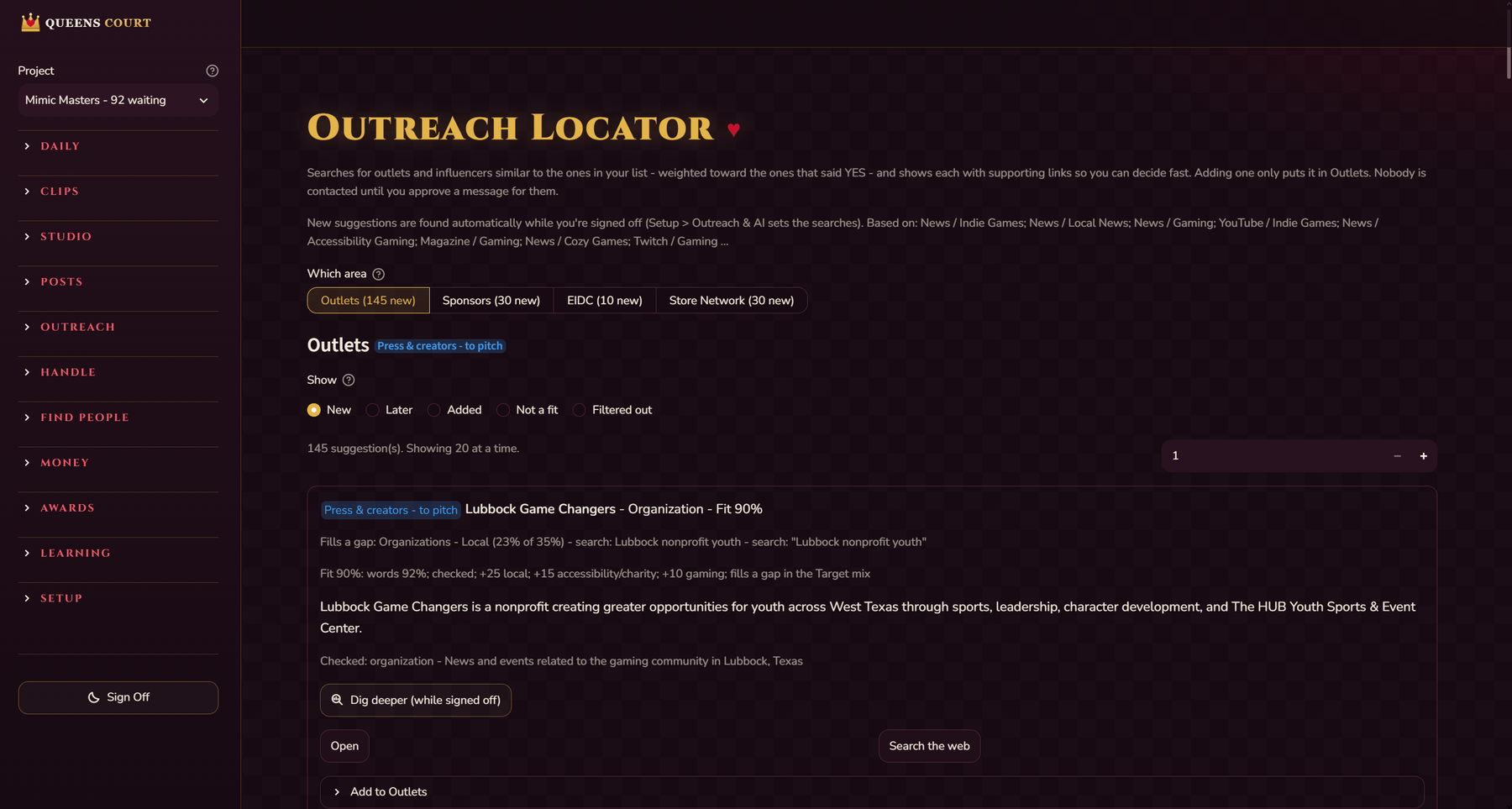
Posts
- Update posts on X, Bluesky, Threads, Instagram, Facebook, Mastodon and Tumblr
- Approve every project's posts in one place, with media add, change and remove, and fresh hashtags on each card
- Hashtags chosen for reach
- Post times that learn from your results, per platform
- Analytics read by themselves from each platform: views, reach, likes, comments, shares, saves and watch time
- Keep posting even without news: an evergreen option per project, topics back on their own schedule in fresh words
- Posts never give a street address, phone number or opening hours
- Posts a day start at a sensible number and grow when you keep up and your followers grow
- Topics come back with a new angle
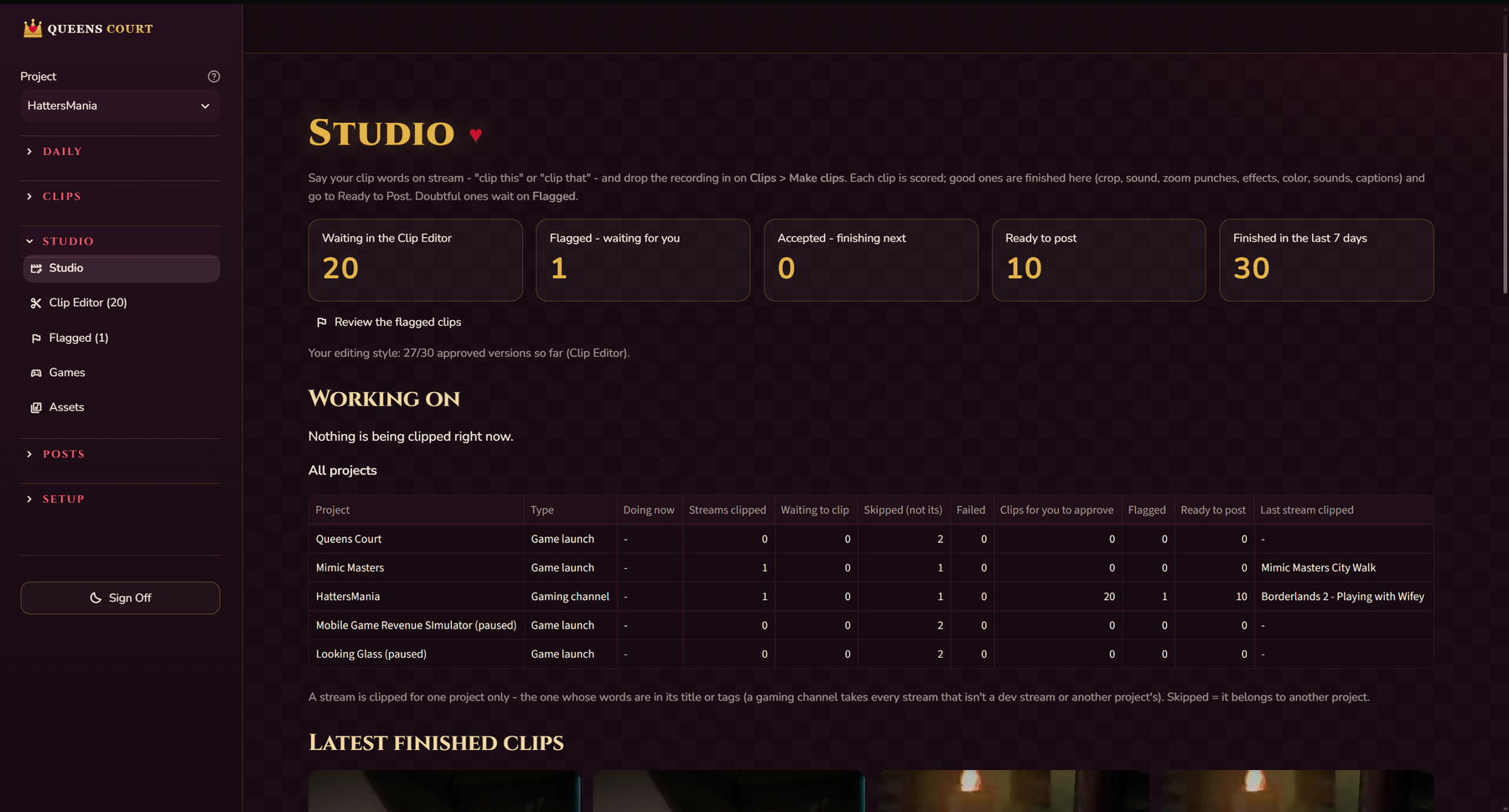
Clips (when you stream)
Turn it on in the questionnaire.
- Say “clip this” (the moment after) or “clip that” (the moment before), or your own clip words with their own lengths; a word said right after one follows its direction
- Every clip word is double-checked by listening again, so silence or music never makes a clip
- Each clip is scored; doubtful ones wait for a second look
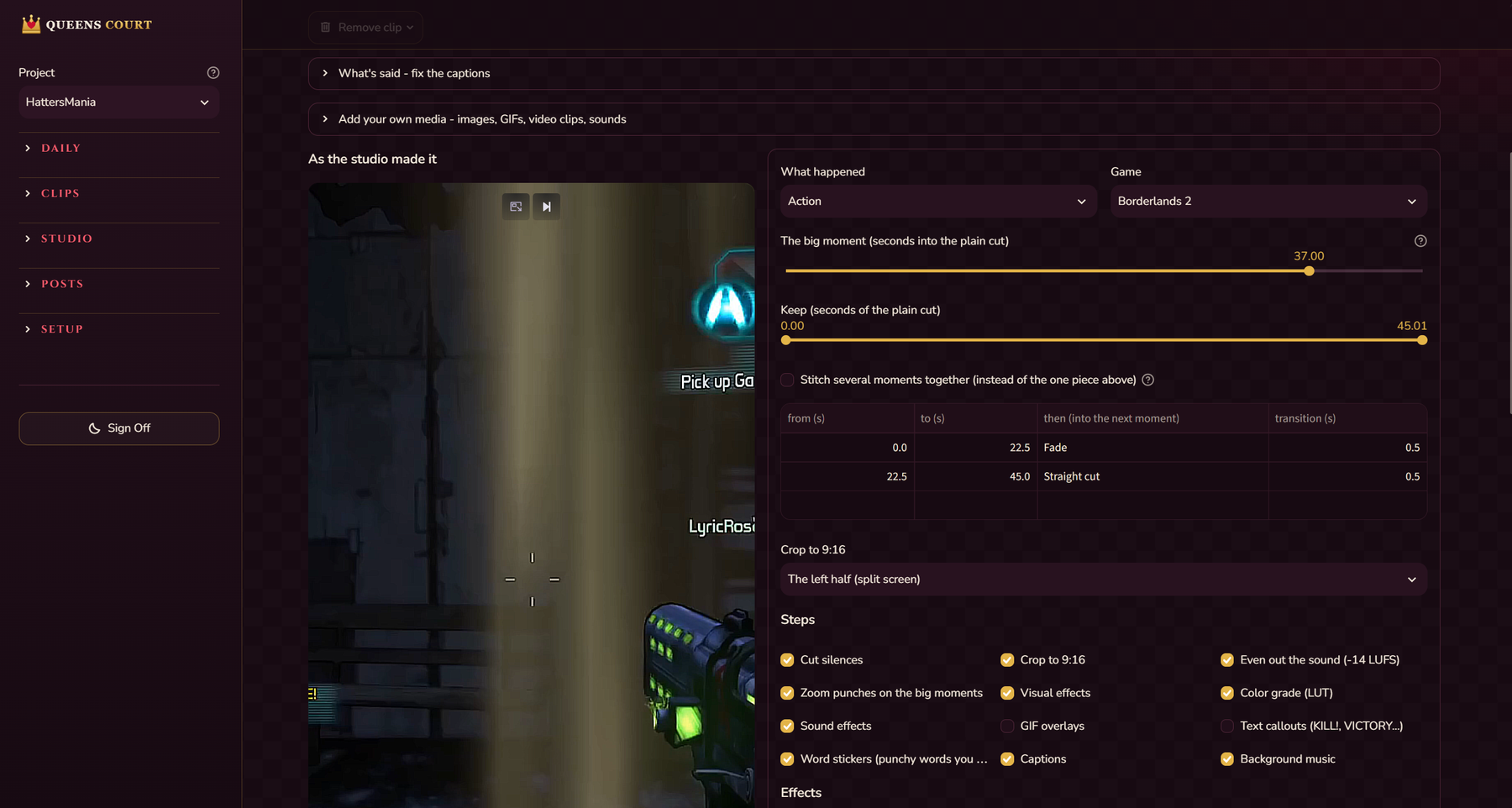
- The Studio finishes each clip: smart 9:16 crop or a facecam layout, even sound, zoom punches, effects, color grade, the moment's sound and GIF, word stickers, captions in your chosen style, background music with its credit line in the description
- The Clip Editor: approve as made, change anything and approve your version, or build one from scratch; fix what the captions say; stitch moments together with transitions (fade, wipe, slide, zoom and more); add your own images, GIFs, video clips and sounds
- After 30 approved versions it makes clips in your style
- Titles, descriptions and hashtags written from the game, the moment and what was said, with the game's own hashtags added
- Every clip on every platform you've signed in to, with one approval; clips start at 3 a day on YouTube, Instagram and Facebook, spread through the day, and go up after 3 days in a row while your followers aren't dropping; Mass reschedule fixes a crowded schedule
- Editing that follows your YouTube numbers: new clips are cut where your best clips hold viewers, with a note saying why
- Full YouTube details: translated titles, descriptions and captions, a playlist per game, made-for-kids and paid-promotion labels, recording date and brand partner
- Instagram Reels in the main feed with the cover on the big moment, collaborators and a place tag; your comment posted on every clip on YouTube, Facebook and Instagram
- Stream routing: skip streams by words in the title, or keep each project to its own streams
- Clips your older streams too, one at a time, and keeps a record so none is clipped twice
- A plain-language progress card: which stream, which step, how many clips are made

Projects
- One project per game, product or channel, each with its own settings, posts, clips and history
- Switch each part of a project on or off, with presets; parts you switch off fold away
- A gaming-channel type for clips and going-live posts only
- A social-only project gets the Looking Glass look and menu
- Going-live posts can stay on even when social posts are off
- A “Not saved yet” note lists every setting you haven't saved
Your phone
- Open it on your home Wi-Fi
- Or from anywhere through a secure link with a passcode
- Go through Swipe on your phone: tap approve, edit, reject or skip, one item at a time
Learning
- Lessons, Training and Working Knowledge
- The writer learns your taste and only uses facts you've confirmed
- While you're signed off, it makes practice cards for every project; each kind of writing stops practicing once it's trained
Good to know: auto-posting uses your own free developer sign-ins on each platform (the Setup Guide walks through each). Optional Twitch downloading is off by default because it may break Twitch's terms. Only use music and media you have the rights to; credit lines are added for you.