Home › Modes › Cadence Tracker
Cadence Tracker
Not just which colour, but how many times. Count every flash.
Free to play on iPhone and Android, coming soon to the App Store and Google Play.
How It Works
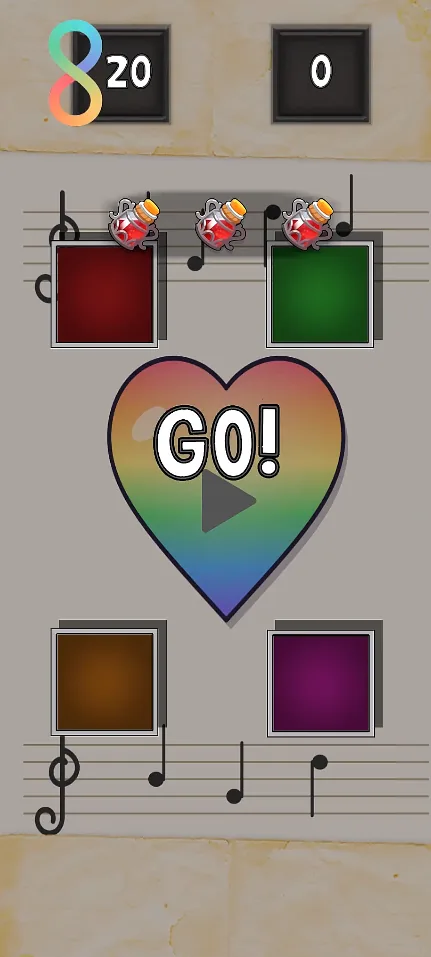
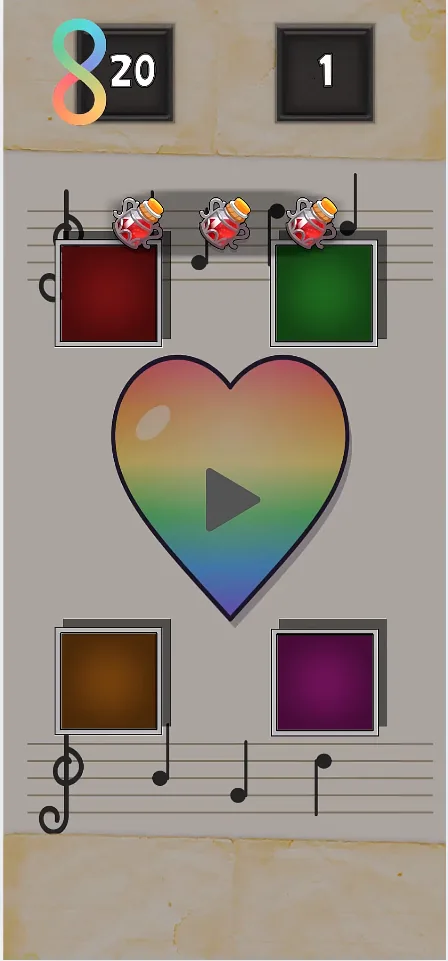
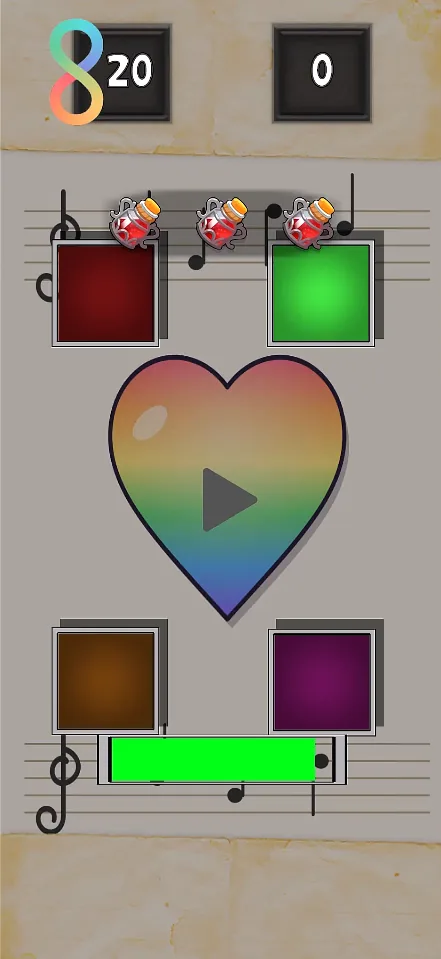
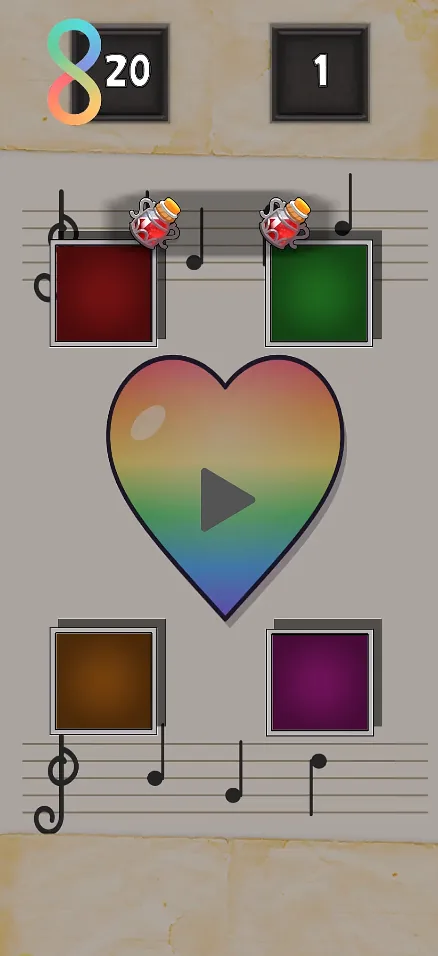
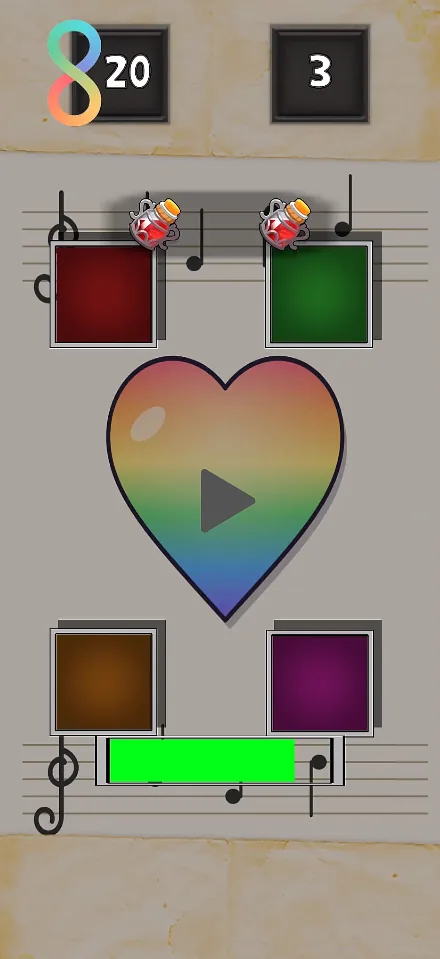
Each round, every colour flashes a number of times, one after another. Tap each colour exactly as many times as it flashed, in the same order.
Every colour gets its own random count, so no two rounds play the same. The counts climb as you go, and later rounds bring colours back a second time in the same round.
Tap too many, too few, or the wrong colour and you lose a life.
Controls & Scoring
- Tap a colour once for each flash. How long you hold doesn't matter, only the number of taps.
- Finish one colour's taps before moving on to the next.
- You score 1 point for every sequence you complete.
- You start with a set number of lives. A wrong tap costs one, and the same sequence replays so you can try again.
- Clear sequences in a row to build a streak. The board reacts more the longer it runs.
- Keep clearing sequences to earn free lives along the way.
- Before a run you can pick up a Shield (blocks one mistake) or Double Life by watching an optional ad.
- Out of lives? You can revive and carry on from where you were, also with an optional ad.
Screenshots & Video
Tips & Strategy
- Count out loud, or tap along with your finger while it plays.
- Remember it as a short code, like "red 2, blue 1, green 3".
- Watch for colours that come back later in the same round.
- Take your time between colours. There's no rhythm to match, just the right count.
Accessibility
- Colour-blind filters for 8 types of colour vision, including two at once.
- Light Sensitivity Safe Mode turns off flashy effects and dims the lights.
- Motion Sickness Mode hides the moving video background.
- Dark Mode, volume, mute and vibration are all in Settings.
See every option on the Accessibility page.